Please note that this post contains affiliate links, which means authors may earn from qualifying purchases at no extra cost to you if you purchase through a link.
A few months ago, my older daughter asked me if we needed a label printer, and I answered that I didn't see the point in it. It was about the Niimbot D110, which had a discount at that time, so she bought it anyway. Little rebel, but I'm not talking about that right now.
This summer, we realized that for friends' new project's activities at local fairs, we needed printed promo codes. Using a print shop for a few hundred codes didn't make sense, so I admitted I was wrong and bought another small Niimbot D110M printer. How surprised I was at how useful it can be not only for my purposes but also for use at home by the whole family.
Key Takeaways
Quick navigation:
- Why I Wasn’t Interested at First
- Putting This Label Printer to the Test
- How It Actually Works
- What Makes It Worth It
- What's Not Perfect
- How We Use It at Home
- Best Place to Buy
- Final Thoughts
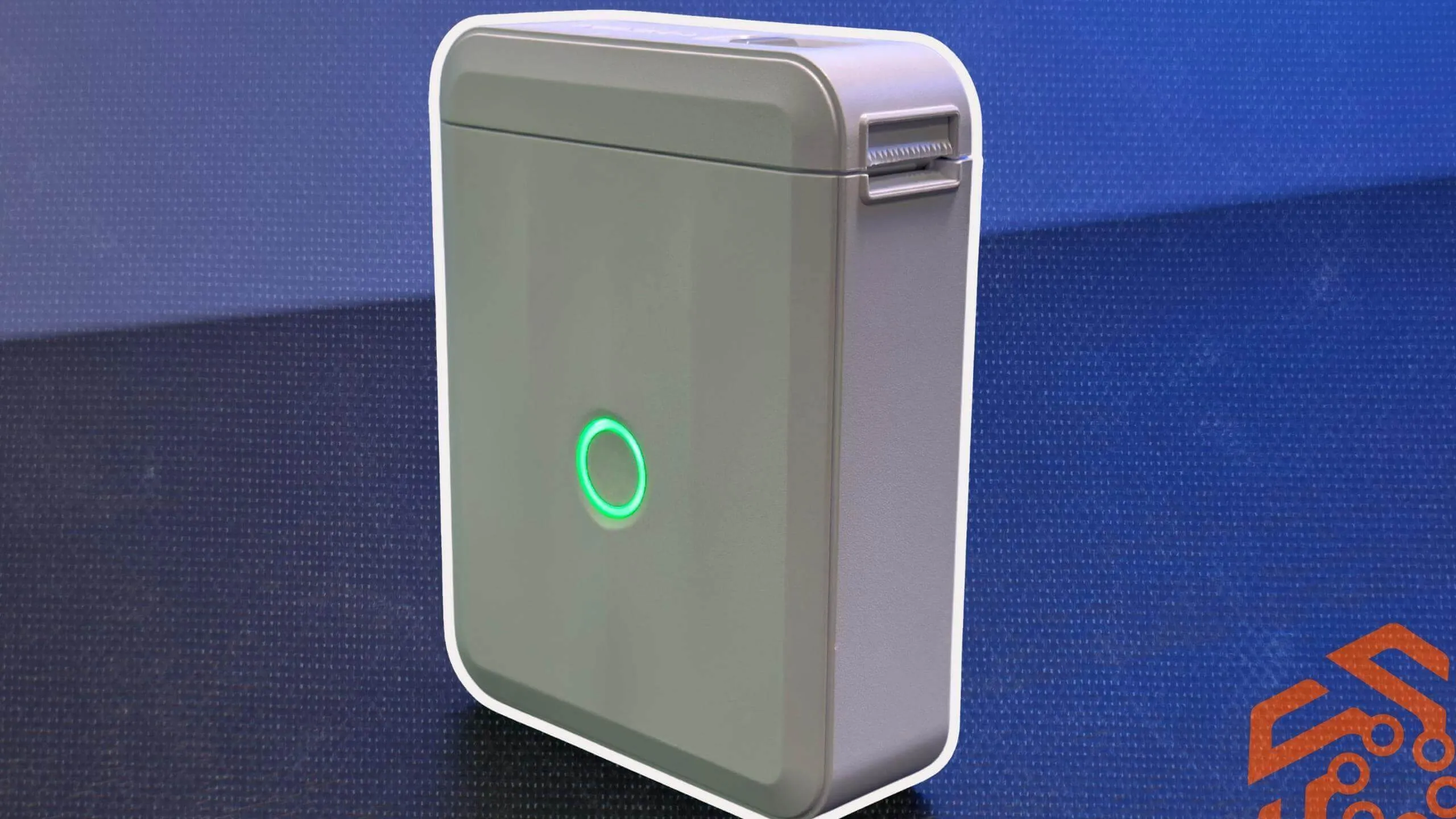
The Niimbot D110M thermal label printer isn't some kind of engineering marvel. To be honest, you're not likely to brag about this label maker to your friends. However, I've started to find it useful in ways I didn't expect before. Like printing a batch of labels for your pantry or finally organizing your breaker panel. The fact that it's inkless takes away another headache: the cost of printing. Throw it in a drawer and just leave it there because it takes up almost no space. Of course, not everything is perfect. Sometimes, not holding the power button down long enough results in unexpected printing. And tearing the edge of the label roll unevenly can be a problem. These quirks can be annoying to some people, and I understand that. But for such a simple gadget, I'd say it's now earned its place on my desk.
Why I Wasn’t Interested at First
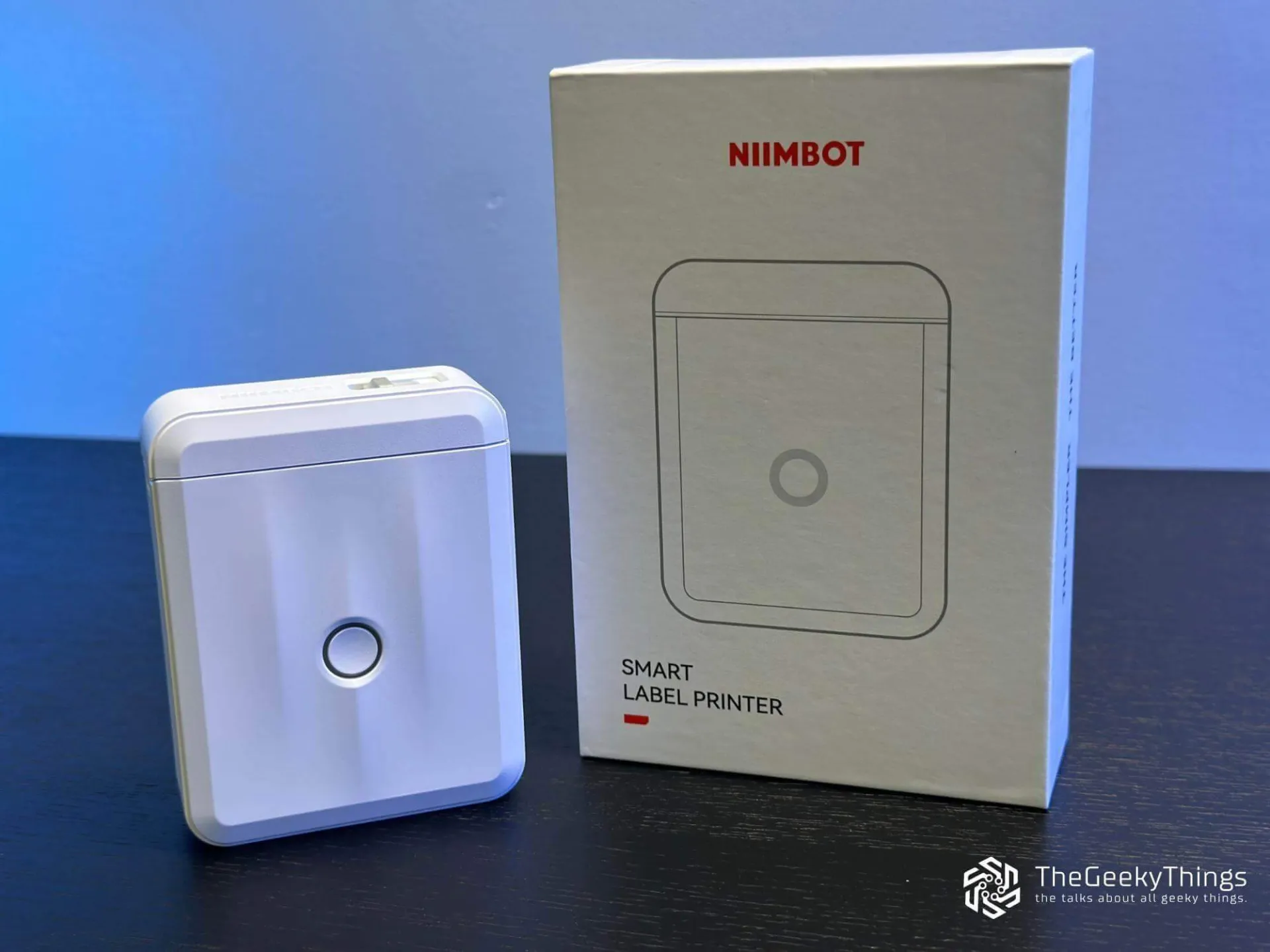
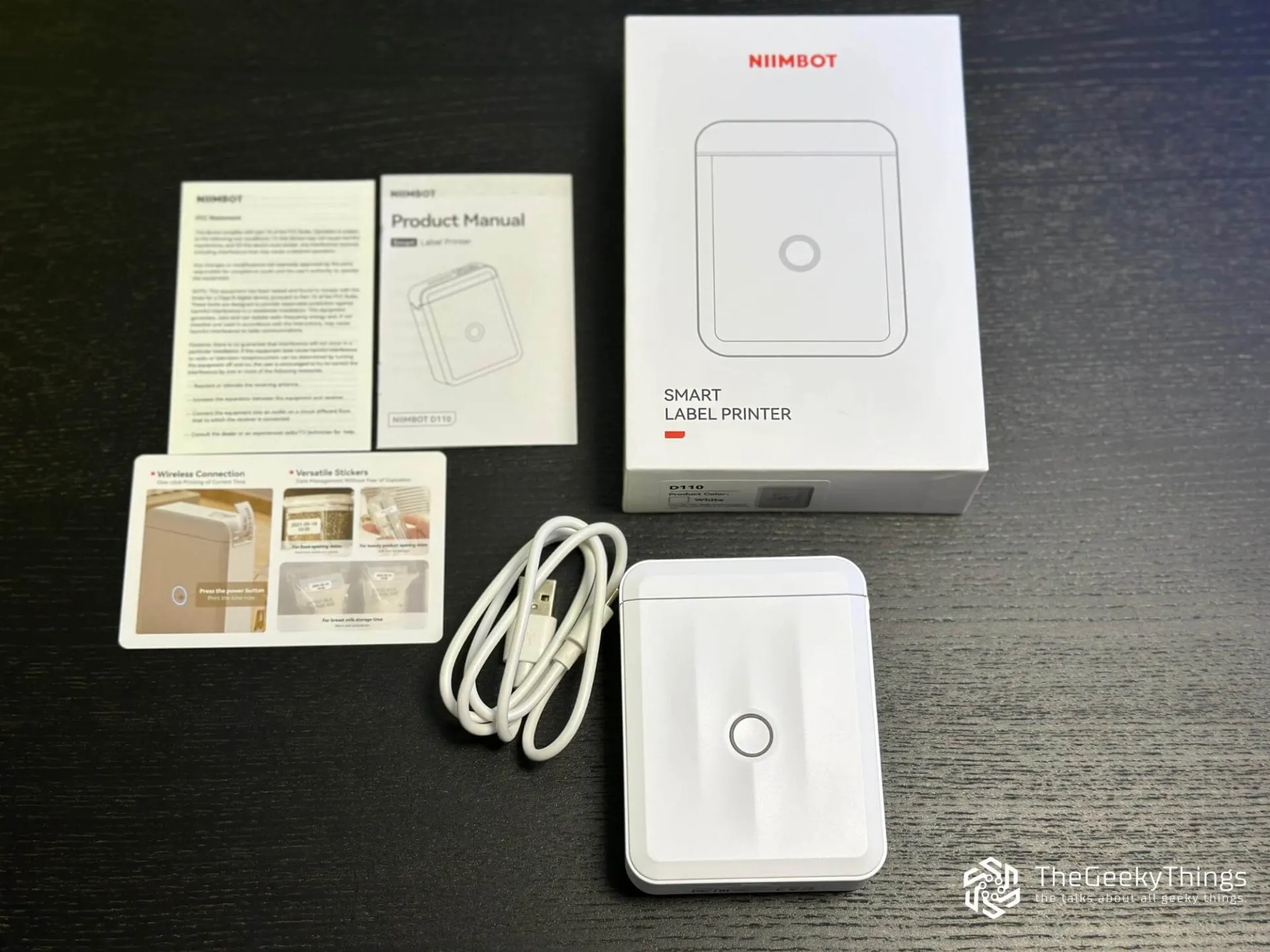
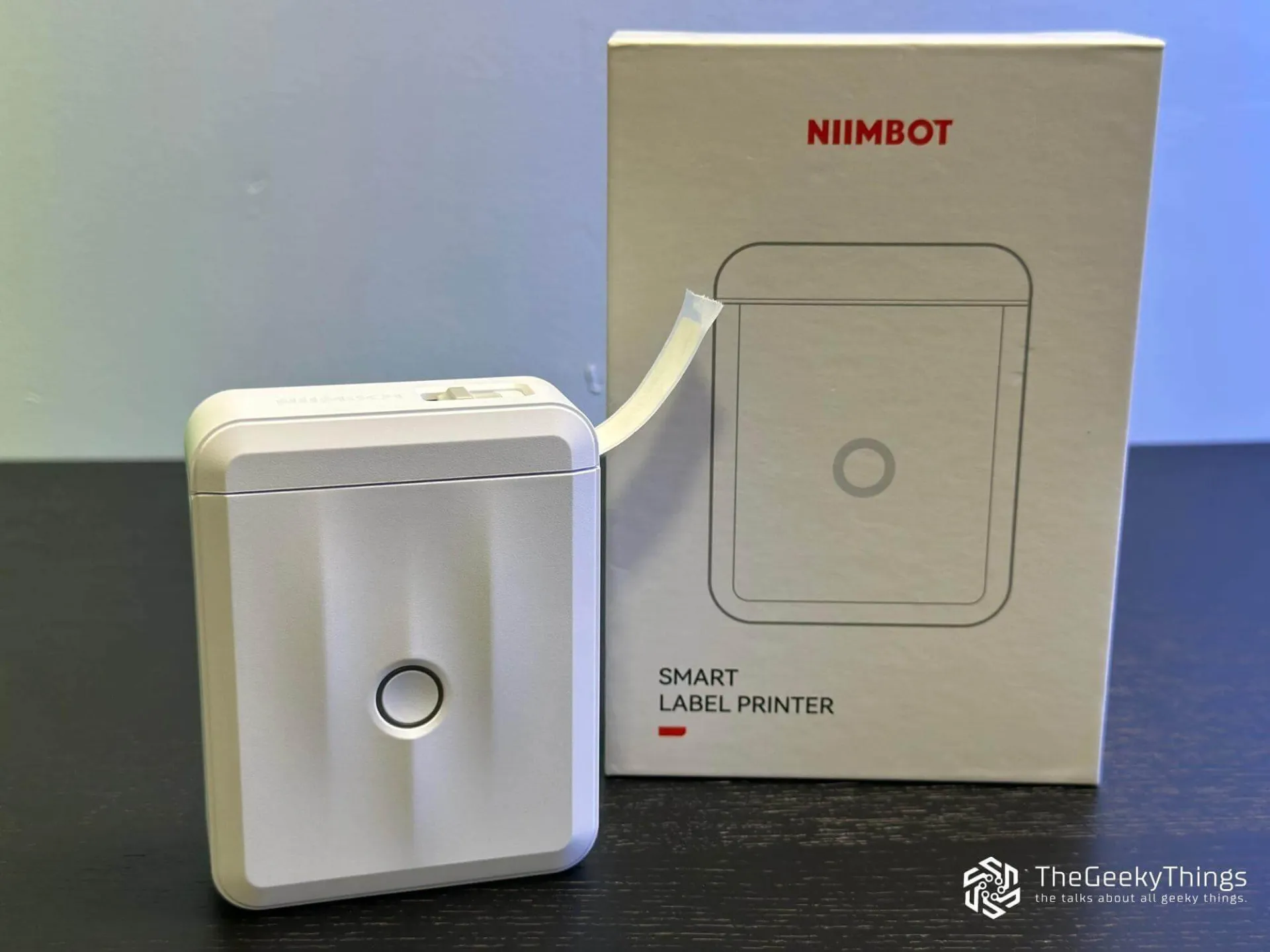
Like many other small gadgets that can end up in a drawer after a week, the label printer seemed to me exactly like that. I couldn't imagine that I needed a device for what I usually do by hand. Namely, just writing on colorful sticky notes. Or white ones on a sheet, for a laser printer. Also, about 15 years ago, I used a Zebra thermal printer with expensive label stickers, a complicated setup, and software, which I sometimes didn't have patience for. Especially during the quarterly updates of printed texts on the sticks. The Niimbot D110M looked... good, but not essential. At least, that's what I thought until I had a real reason to use it.
Putting the Niimbot D110 Label Printer to the Test
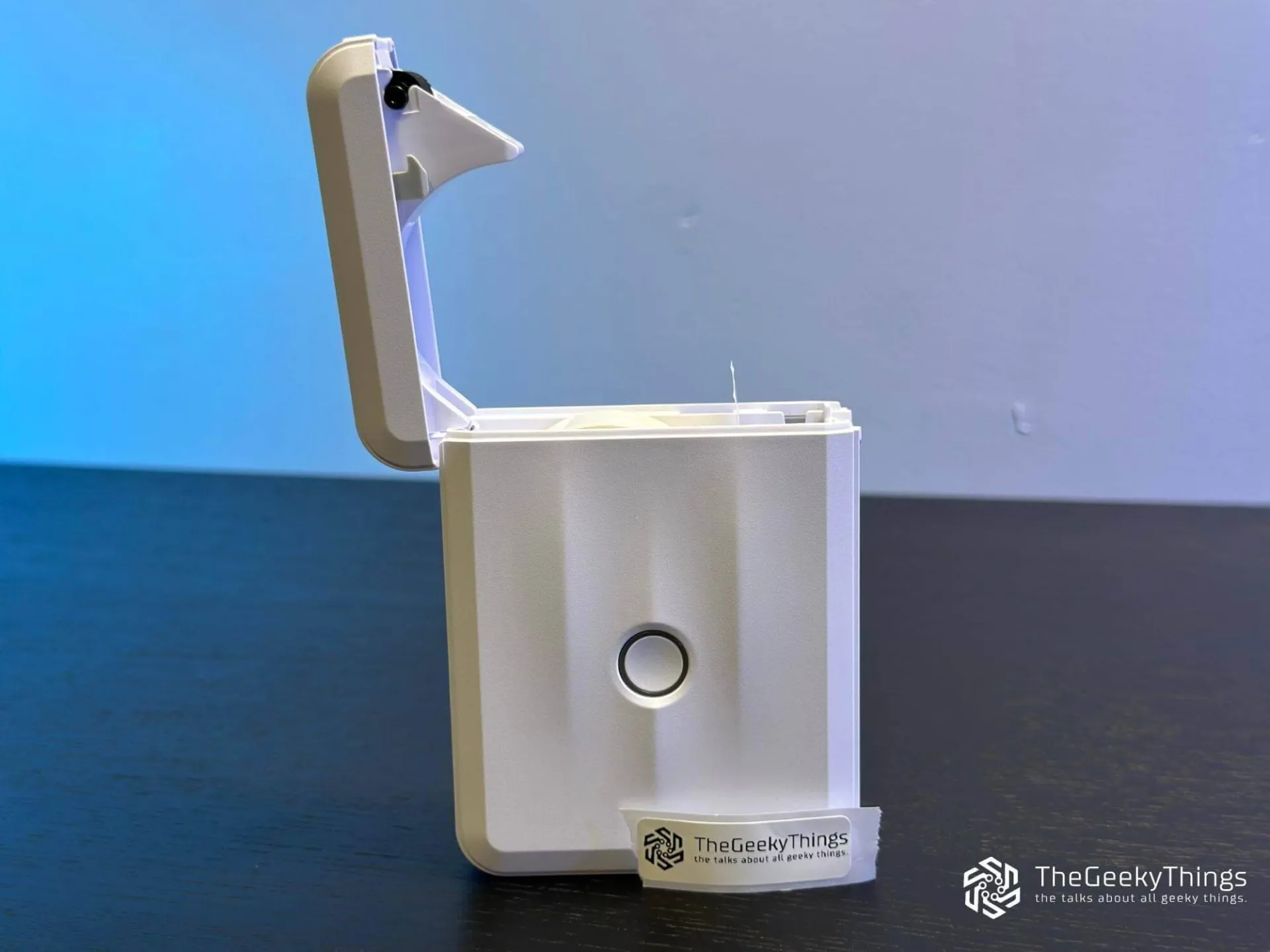
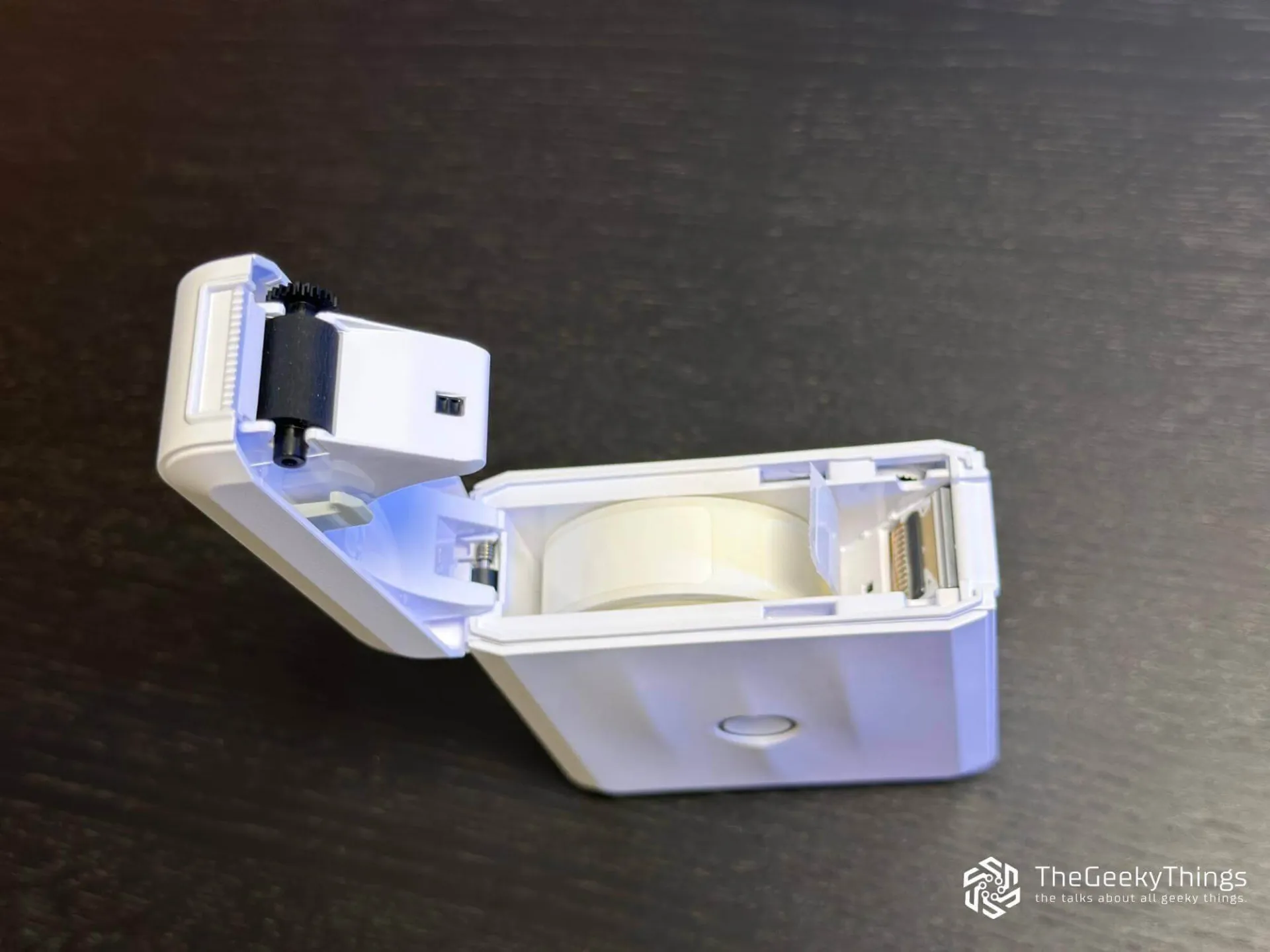
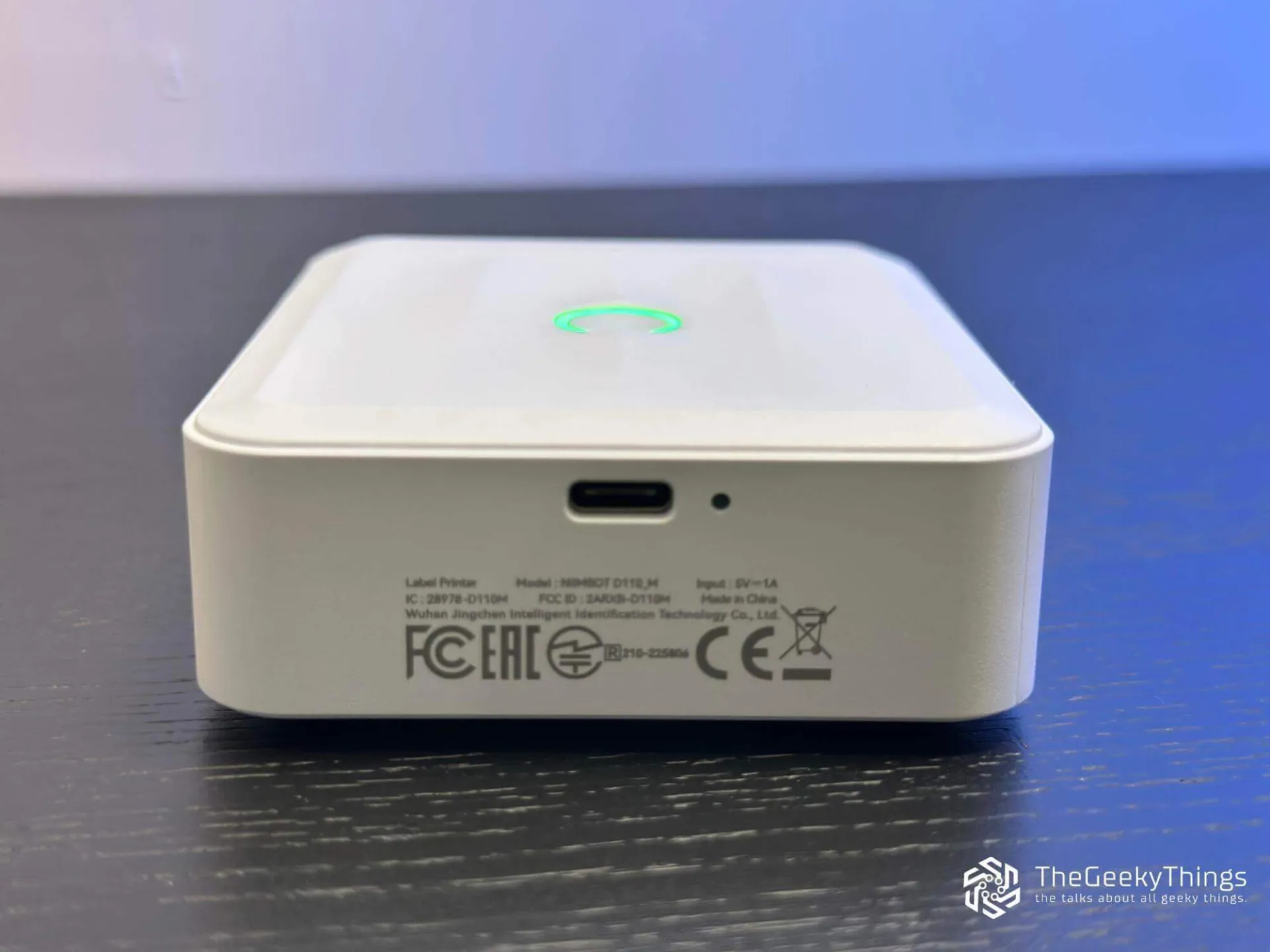
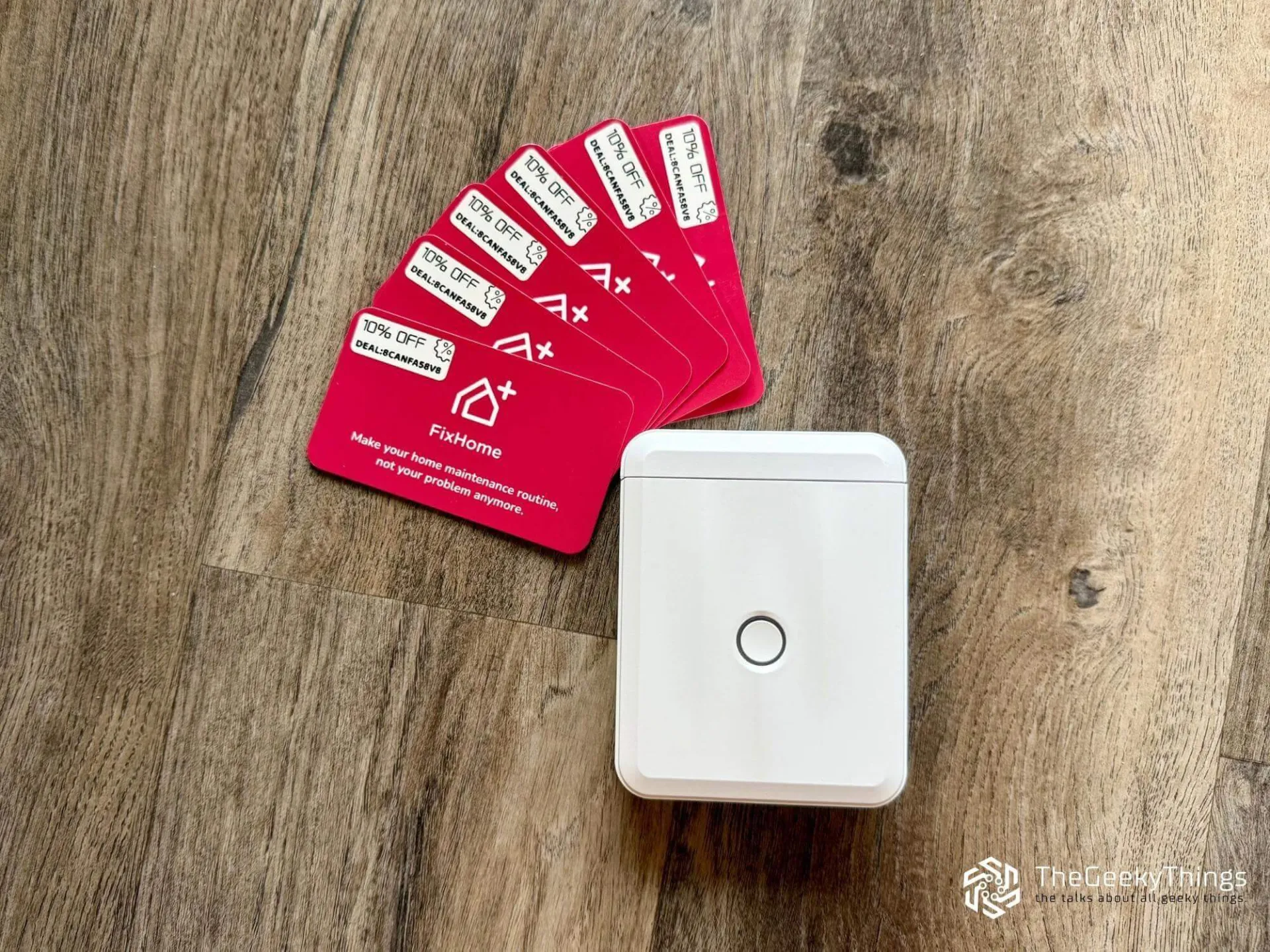
The turning point was the need for activities near the booth at a local summer fair. We needed several hundred promo codes for a small campaign of handing out business cards and merch. Ordering them from a print shop was not practical either in price or time, so I remembered my daughter's choice and ordered another D110. To be precise, D110M, which indicates an upgraded version. It may not sound very modern or hi-tech, but for the excuse, I'll need to say, the promo codes were generated in a special web application. It's an handyman app-based service for ongoing home maintenance with a subscription. We wrote about this project and its founder earlier.
First, I tried transparent labels. Although the print quality was excellent, our main dark burgundy background of the business cards made them hard to read. In the end, I had to order three more rolls of simple white labels, which were better suited for this. Printing this batch would have taken maybe about half an hour, including setup, and the samplers were unexpectedly tidy. Each discount code was clear and readable. But we didn't even print all of them at once. Just over time, when we saw that business cards with codes were running out, we launched Niimbot and printed more labels. For something that fits in one hand and costs less than two wraps, the Niimbot label maker saved us hours. And probably a small piece of the budget.
How Niimbot D110 Actually Works

Credits: App Store
I mentioned earlier that the D110 label maker uses thermal printing. This means it has no ink or toner, and special label paper changes color when heated. That's why this device is compact and almost requires no maintenance.
You connect to the label maker through Bluetooth using the Niimbot mobile app, which is available for both iOS and Android. The app supports text input, simple icons, barcodes, QR codes, and a huge number of templates. After you design a label, it's sent to the printer. The app has hundreds of different fonts, icons, and the ability to choose a style. You can also upload your images if needed (they become monochrome), and then resize them with just one finger to fit the label size. This is all in the free version. I only had to create an account so my design would be saved in the cloud. But this is not required if you use ready-made templates or just text. Although you will see thousands of templates in the app, you won't be able to use all of them in the basic profile.
This is more than enough for home use and small projects like mine; it's well-made enough. By the way, the presence of 2 apps was a bit confusing: Niim and Niimbot. As I understood, the first one is more for personal use, where you have more customization possibilities. The second one is purely for business and for users who are not looking for sophisticated templates and simply need label stickers.
What Makes It Worth It

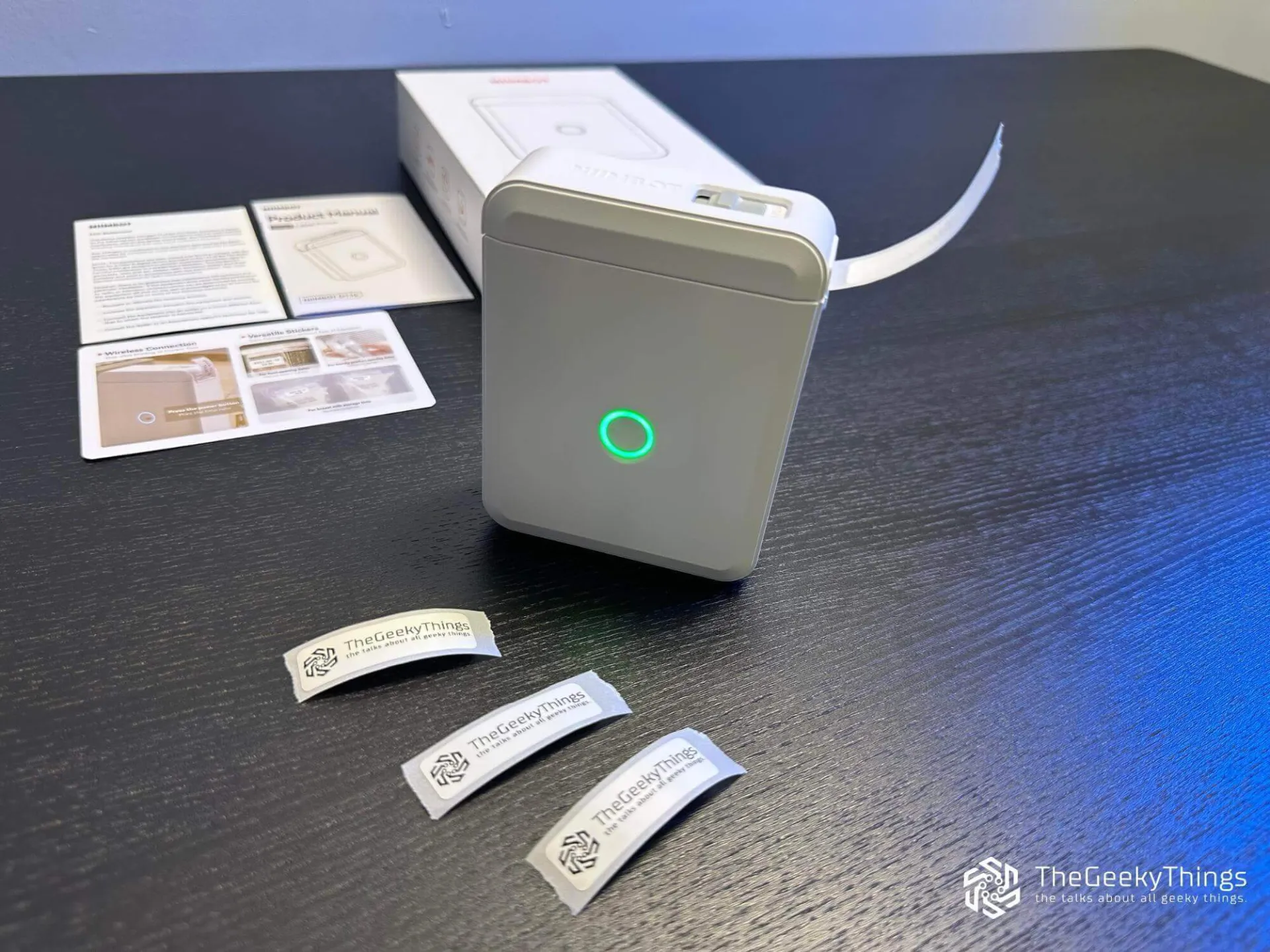

Portability
At about 150 grams, the Niimbot D110M easily fits in a bag or even a hoodie pocket. In the end, I took it to the fair, and I think I could take it to an office event or to a friend's garage sale to print price tags on the spot.
No Big Expenses
Thermal printing means you only buy label rolls. And that's it. No ink refills, no dried cartridges. While 1 roll of labels costs about $5, but if I had to pay for ink or toner too, it's like day and night.
Speed and Simplicity
After launching the app, typing text to printing a label takes just a few seconds. Now I say this is really faster than digging through a drawer looking for a marker and tape. Even a "non-digital" person can handle the printer setup.
Multilingual
This is a gold for me and my daughter. A few years ago, portable printer apps didn't have my native language, Ukrainian. As of today, it's available in the Niimbot app. Along with a couple of dozen other languages. Other, no less popular label sticker printers can't boast about this.
Labels for Every Need
Niimbot D110M label customization is possible not only through the app. First, labels come in different sizes. Second, they are available in white, transparent, or multicolored options, and some even feature various patterns, such as holiday-themed designs. You can find ones with ready frames or drawings on the edge. Finally, there are rolls made for cable labels. To once and for all dot the i's and cross the t's in cable management at home or in the office.
What's Not Perfect
"VIP" app features
Some fonts, templates and designs are locked behind a subscription. This doesn't stop you from creating perfectly usable labels, but it's still an additional fee. VIP account costs $4.99 per month, if I'm not mistaken, or $34.99 annually.
Annoying power button
If you want to turn off the printer, you need to press and hold the power button for 3-5 seconds. But if you're impatient like me, and don't wait for it to turn off, and release it, the printer will print you a label with date and time. For me it's like a sarcastic reminder about my rush (with emphasis on the time when I made a mistake). It's not a problem, but it's an extra step that takes time. However now you know how to quickly check the time and date.
The label tape tears unevenly
What if you need to tear off the printed label from the tape right away, as it comes out of the printer? To do this neatly, there's a serrated edge (tear bar) on the cover near the exit. But they don't work. Maybe I need to get used to them, but when I tear ready labels from the tape, I tear them haphazardly. Sometimes this opens the adhesive part of the label.
None of these points is decisive, but they're worth knowing about.
How We Use It at Home Small Label Makers
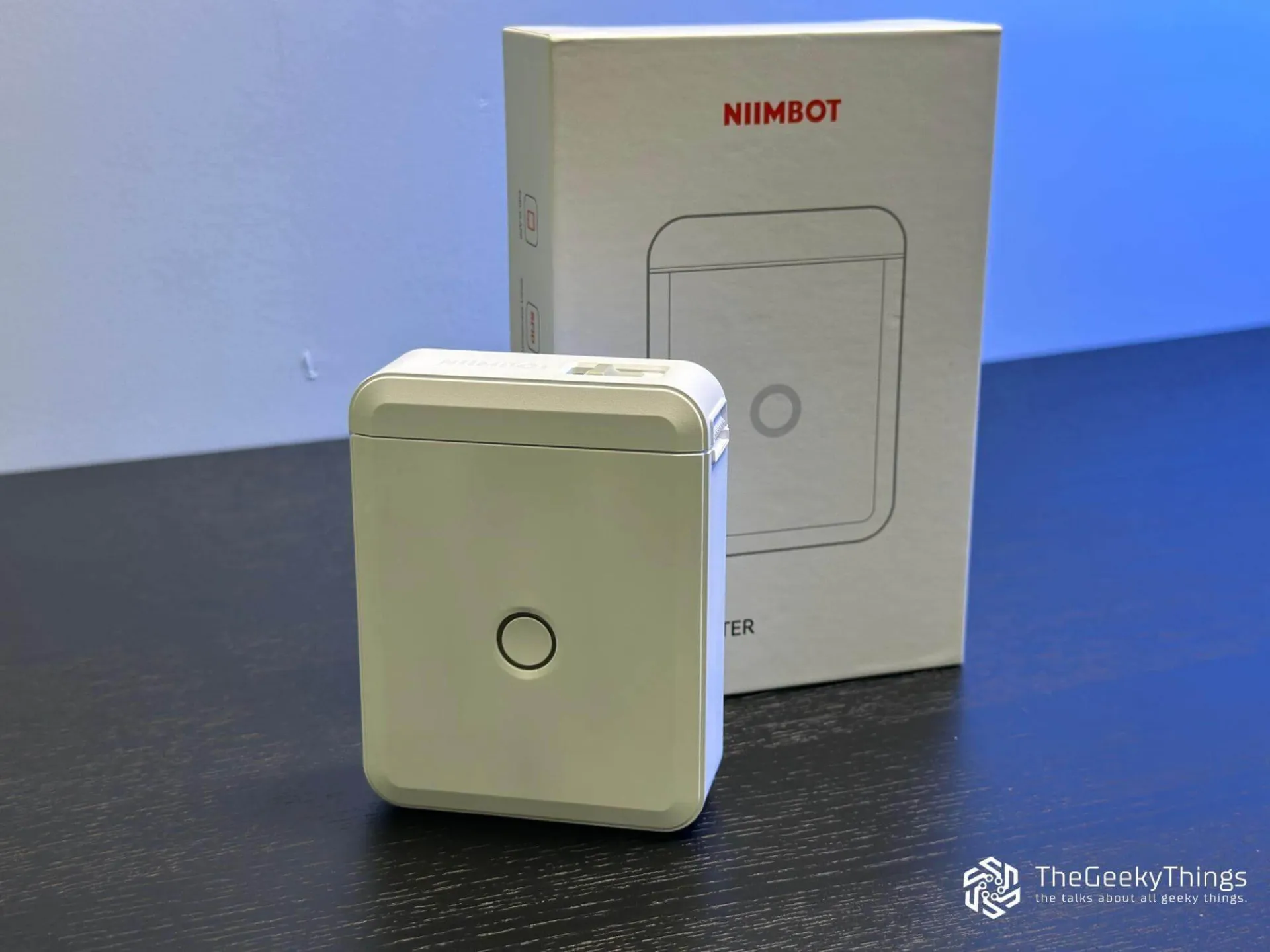
When the market fair ended, I thought the D110M would go back to its box. Instead, it rolled first to our kitchen, pantry, and then to the garage, and after that to the storage room. Since then, it has rarely left it.
Kitchen organization - spice jars, containers with frozen homemade burgers, all now have neat, readable labels.
Back To School - my daughter uses it for marking folders, craft boxes. Also, for making her own labels for her notebooks. She also put stickers on all the board game shelves.
Cables management - no more guessing which cable belongs to which device.
Storage setup - holiday decorations and seasonal clothes now have clear labels.
Breaker box labeling - now I’ll understand the labels on the breakers, instead of guessing what my electrician wrote.
It's funny how something that seemed pointless ultimately quietly makes everyday life a little less chaotic. I think I need to buy a third thermal label printer, just to put in the car.
Best Place to Buy
If you want to buy the printer, on Amazon, you can find the D110 for less than $20 with a discount. But the deal time is limited.
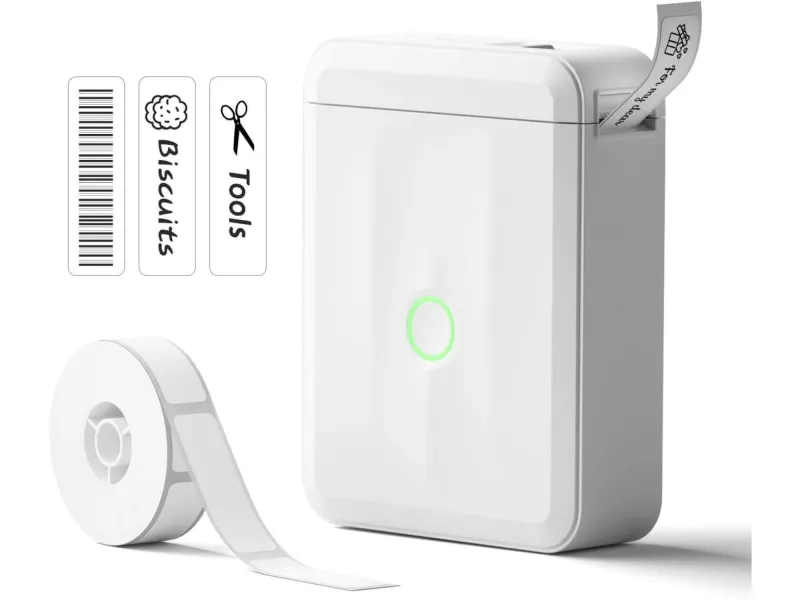
NIIMBOT D110M
Wireless Mini Labeler Niimbot D110 Upgraded Version. Bluetooth Label Printer for School, Home, or Office Organization.
Final Thoughts
I was ready to dismiss the D110 label printer as another "weekend fun" gadget. Why do I need labels if markers and stickers are enough for me? Instead, it became a tool that I now use very often for the same purposes. Yes, it's not perfect. Label rolls are not that cheap, but custom printing would cost significantly more.
There should be words about the label maker balance here, and I am sure that it exists. It's a balance of portability and simplicity. Threw it in a backpack, and you don't feel it there. Let someone who sees it for the first time use it, and within 2 minutes, they’ll be printing their name on a label.
Sometimes a useful thing is not the most modern or most powerful. Sometimes it's the one that quietly solves small problems you didn't even realize were bothering you.
Sponsored by

FixHome+
For homeowners who love their homes, maintaining them becomes a priority. FixHome+ is a trusted handyman service for homes in over 30+ areas across Chicago suburbs. Here’s how we help:
- Comprehensive Services: We provide 50+ services to keep your home in great condition.
- Easy-to-Use App: Create to-do lists with photos and descriptions to manage home tasks efficiently.
- Free Demo Visit: Every app user gets a free demo visit to introduce services, identify needs, and complete minor repairs.
- Monthly Packages: Choose budget-friendly plans for homes, apartments, or seasonal maintenance.
Our subscription model ensures you work with the same handyman who knows your home, saving time and simplifying the process.

Gaming Mouse for Champions - Logitech G Pro X Superlight 2
Elevate gaming with the Logitech G Pro X Superlight 2 wireless gaming mouse, designed for champions. Explore its features and experience with TheGeekyThings.

Audeze Maxwell Wireless Gaming Headset - Premium Gaming Gear
Abound in advanced features and crystal-clear audio, the Audeze Maxwell Wireless Gaming Headset. Premium quality and durability are designed for audiophiles and gamers

Dyson Solarcycle Morph™: The Top Desk Light for Years.
Check out the top desk light from Dyson's Solarcycle Morph™ series. See if this versatile lighting solution really lasts for years.