Please note that this post contains affiliate links, which means authors may earn from qualifying purchases at no extra cost to you if you purchase through a link.
More than a quarter of a century has passed, yet gaming enthusiasts continue to search for a "path to the past" in modern devices. For some, it's a way to return to a time when the world seemed simpler, and all problems were solved with a couple of button presses. For others, it's a chance to finally touch what their parents once talked about, but now in a more understandable and technological format.
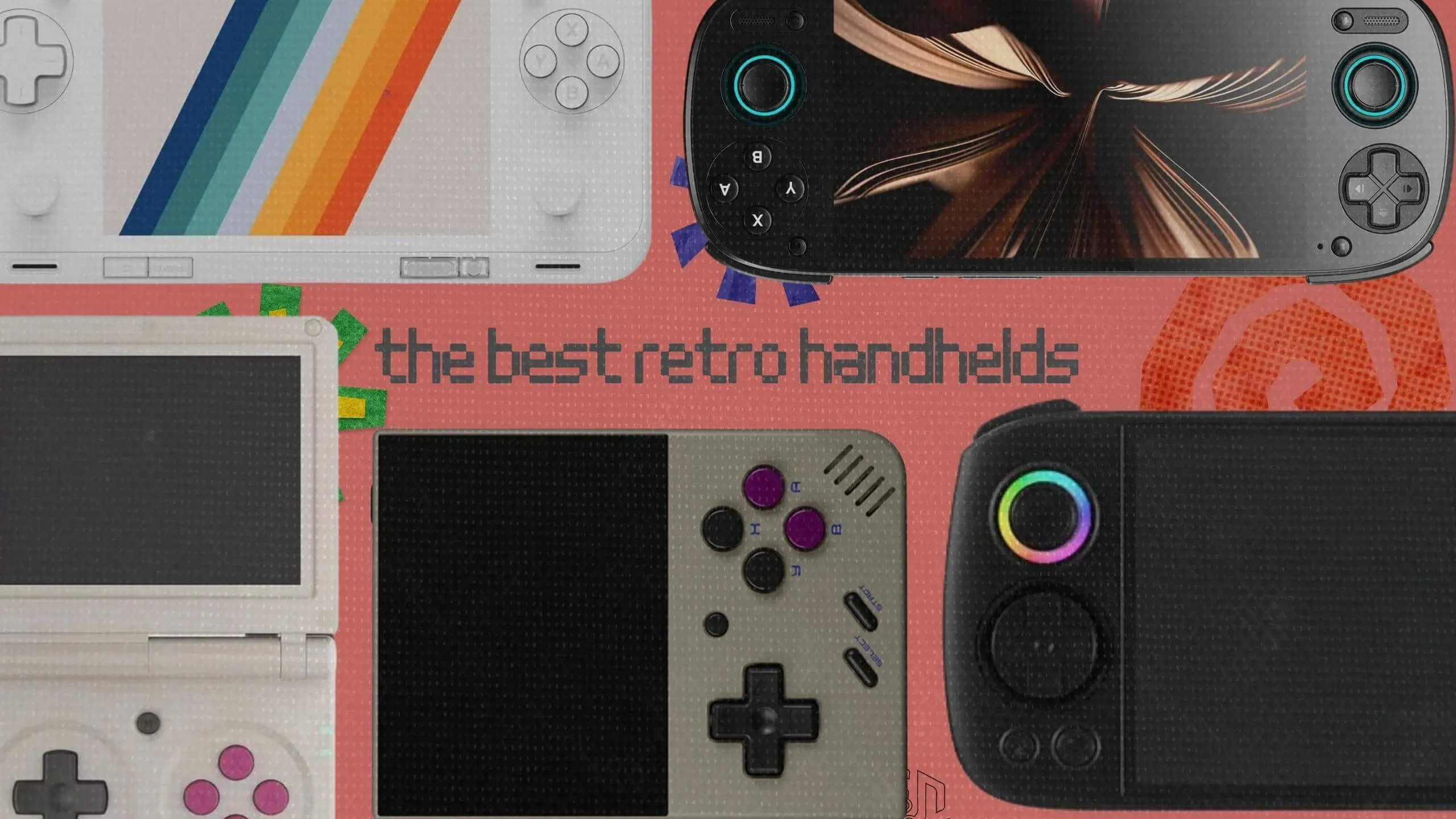
But with so many options on the market, it's so hard to choose the right retro handheld. This TheGeekyThings guide is here to help. Whether you're looking for a budget-friendly device to dip your toes into retro gaming or a high-end powerhouse for serious emulation, we've broken down the best options of 2026 to make your decision easier.
Retro Gaming Handhelds Quick Pick
- Miyoo Mini Plus - smallest handheld console
- Anbernic RG35XX SP - budget retro handheld
- Anbernic RG Cube - for ultimate retro player
- Retroid Pocket 5 - mid-tier of handheld emulators
- AYANEO Pocket ACE - best Android handheld game system
Miyoo Mini Plus: Budget Retro Handheld Starter Pick
Pocket-Sized Nostalgia
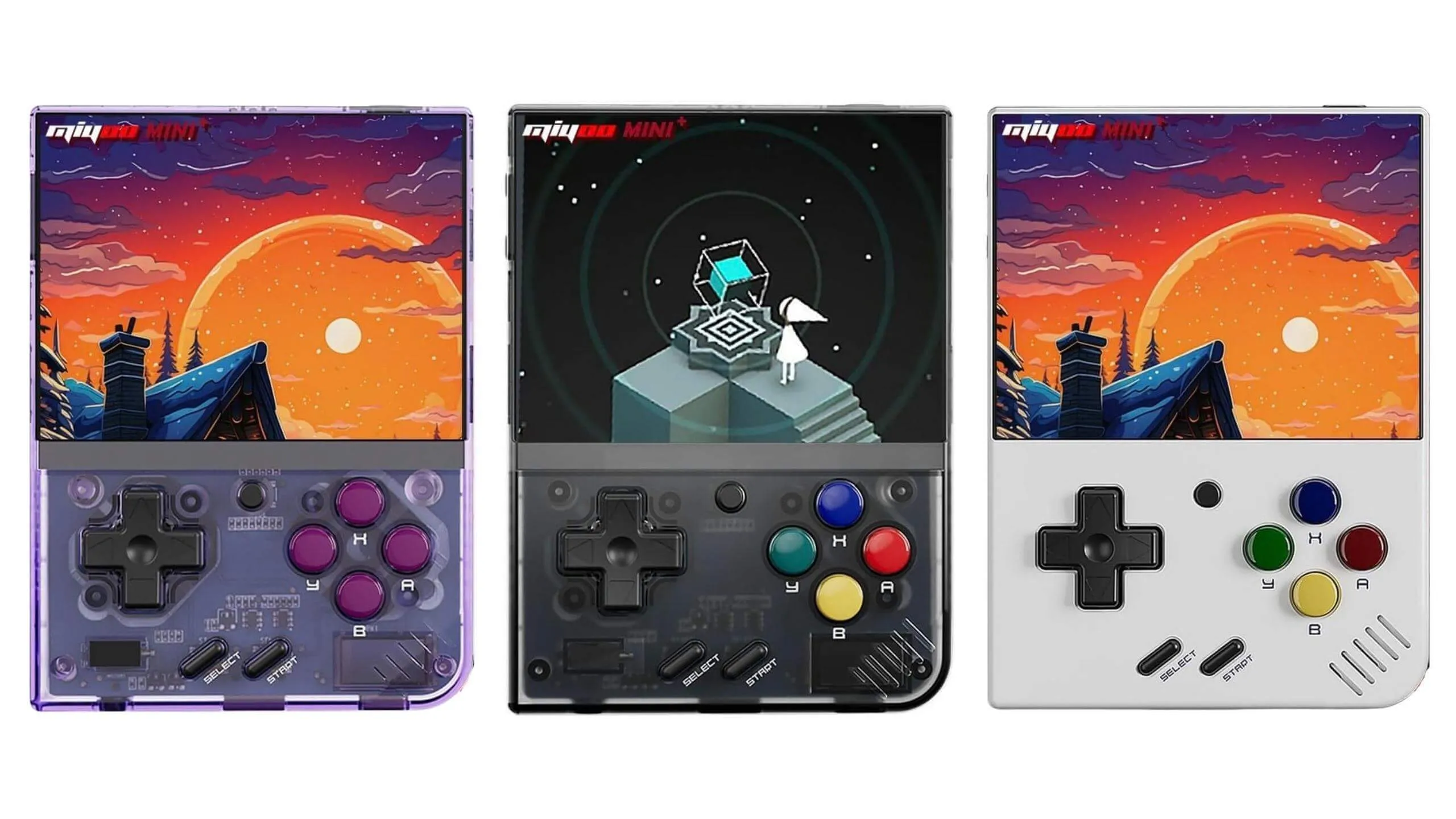
This is a clear budget option that is ultra-portable and runs on Linux (specifically, Onion OS or MinUI). It is perfectly suited for 8-bit and 16-bit games, along with PS1 emulation. You might find this to be your best bet if you are looking for a simple and affordable device for retro gaming.
Screen and Hardware Overview
It features a 3.5-inch IPS screen with a 640x480 resolution and a 4:3 aspect ratio. This is the ideal format for most retro consoles. The screen is plenty bright indoors, boasting rich colors and a lack of light bleed in most units. However, forum reviews and seller feedback suggest that the brightness might fall short outdoors, especially under direct sunlight.
Hardware-wise, it packs a Cortex-A7 processor clocked at around 1.2 GHz and 128 MB of RAM. It is definitely not an Android powerhouse. Still, it provides more than enough juice for NES, SNES, Game Boy, GBA, and PS1. PSP and portable N64 are out of its league, but those systems are not really meant for this target audience anyway.
Compact Design Challenges
The vertical body mimics the classic Game Boy Color. It is compact, convenient, and easily slips into a jeans or jacket pocket. There is a compromise, though. Players with larger hands often find longer gaming sessions (around 20 to 30 minutes) uncomfortable, sometimes even experiencing hand cramps. The buttons are soft but precise, offering pleasant tactile feedback. The D-pad is a bit softer than classic Nintendo controllers, but most users seem to like it. A mono speaker is located on the side, meaning you can accidentally cover it with your finger. The audio quality is not the best, but it is entirely acceptable for this price bracket.
Battery Life and Performance
his device shines when running games from the PS1 era and older. That is exactly where it unlocks its full potential and stands out as one of the best budget options available today. A 3000 mAh battery delivers about 4 to 6 hours of playtime. It includes Wi-Fi for over-the-air updates and RetroAchievements support. The community gives Onion OS high praise for its usability and fast boot times (though you may need to install it yourself on some models).
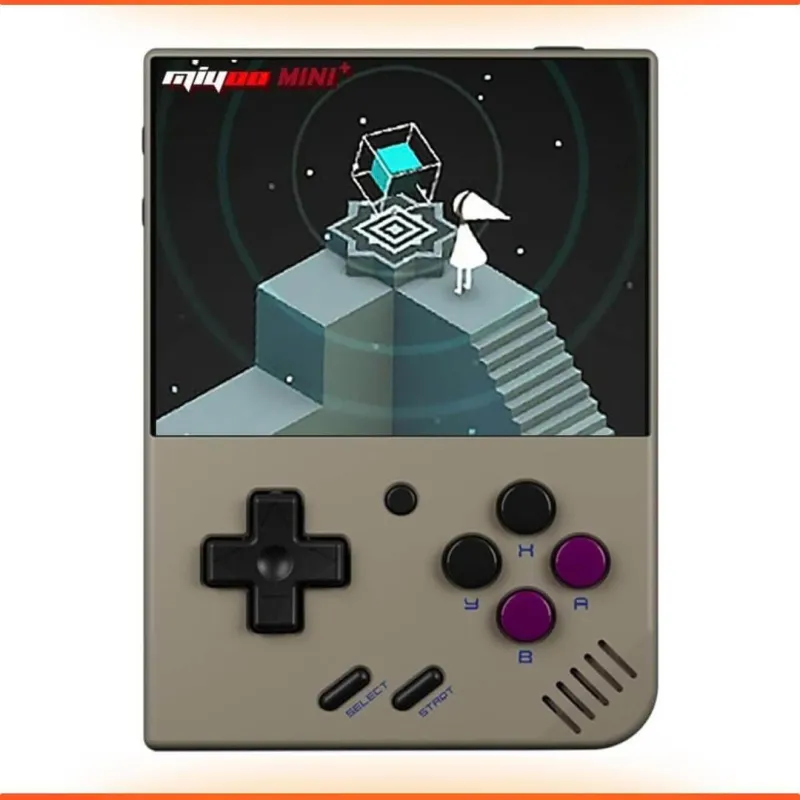
Miyoo Miyoo Mini Plus Retro Gaming Console
Retro Emulator Handheld Game Console Latest Version with WiFi & RTC, 3.5’’ 640*480 IPS Screen 3000mAh Battery, Gray 64GB
Price
Why It’s the Ideal Starter
Many consider this the best budget handheld and the absolute greatest of all time in its class. That holds true as long as your goal is portable retro gaming rather than raw computing power.
The Miyoo Mini Plus is a fantastic starting point for beginners. It looks like the baseline budget option for a pocket-sized PS1 in 2026. With an active community and incredible value. Just don't expect it to handle demanding 3D emulation. If you are just dipping your toes into retro emulation and want something truly pocketable without overpaying, this is your first step.
But if your budget allows you to move up to the next tier, let us look at mini console alternatives...
Anbernic RG35XX SP: A Budget Clamshell for GBA SP Nostalgia
Retro Clamshell Appeal
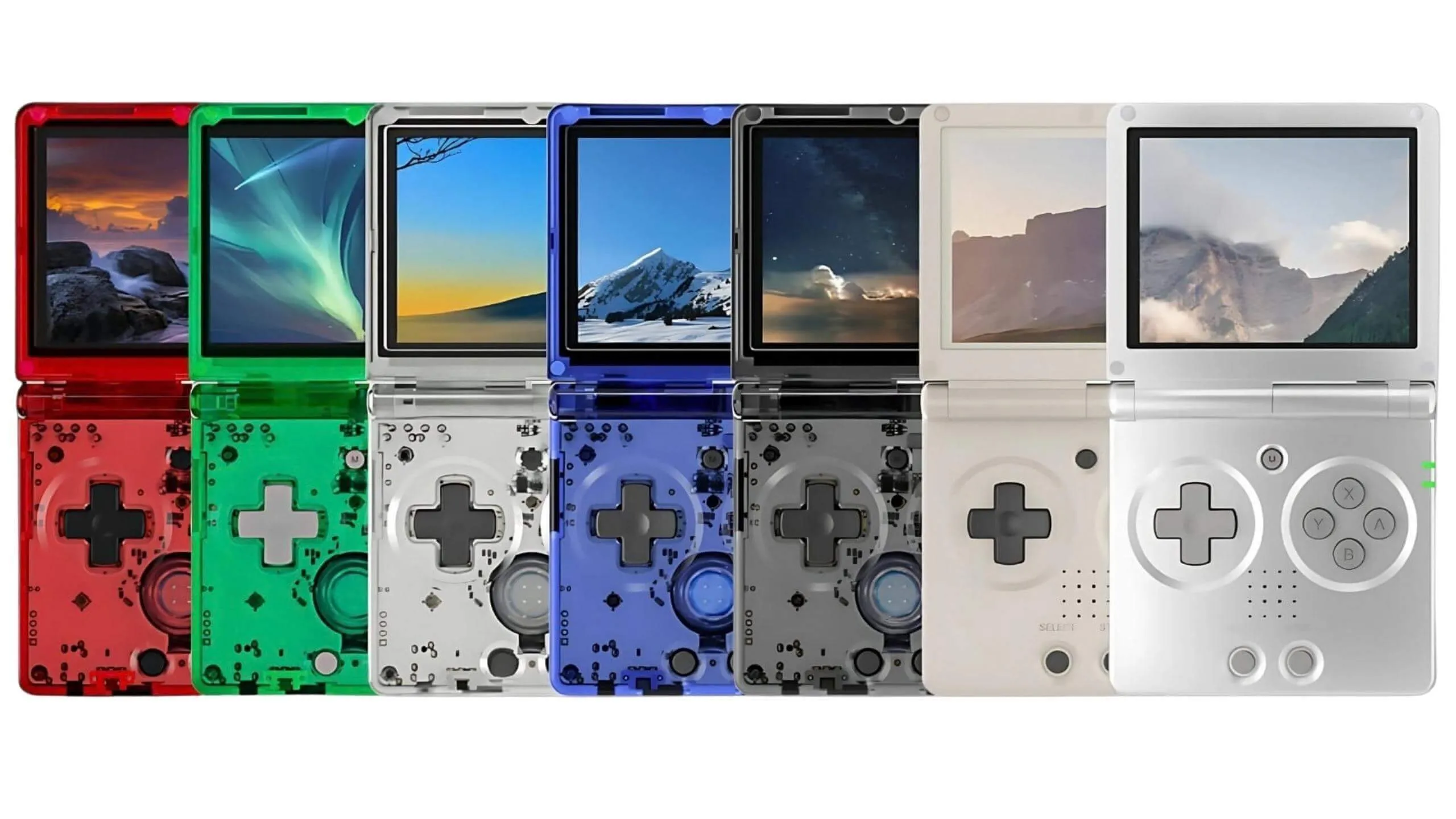
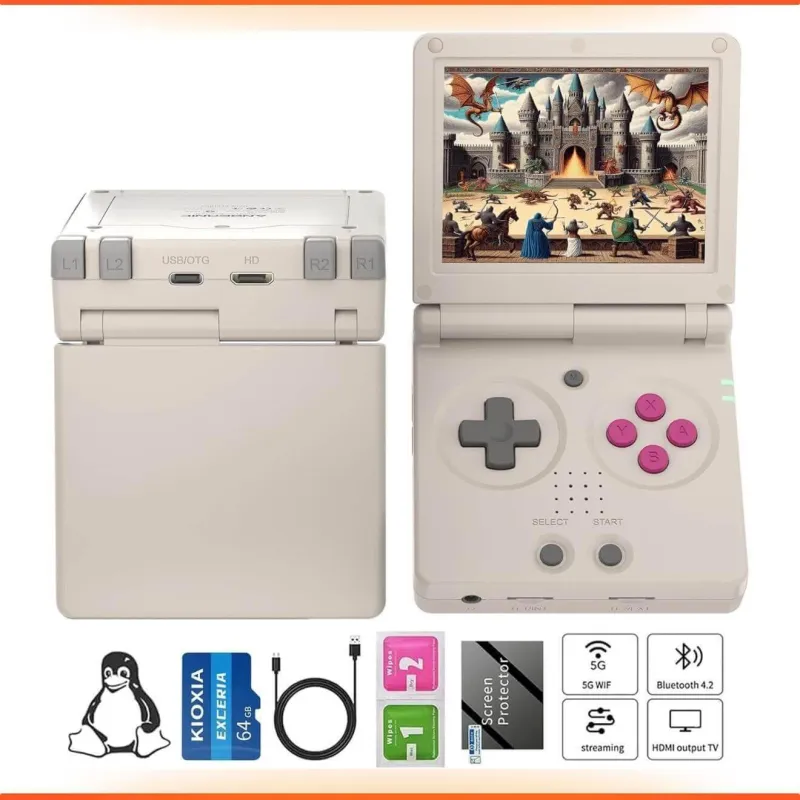
This falls into the budget or lower-mid segment. It is another Linux-based retro handheld but with a clamshell design, and a heavy focus on GBA and 8- to 16-bit titles. It appears to be the perfect choice for anyone wanting a compact device with a classic aesthetic.
Display and Build Quality
The form factor closely mirrors the original Game Boy Advance SP. The screen is just under 4 inches, offering decent clarity and viewing angles, though I should warn you that it lacks a true "wow" factor. Its main advantage is portability: this is a genuinely pocketable clamshell that is easy to carry around.
Ergonomics: Pros and Cons
Most people who bought this budget retro gaming console seem to praise its overall build quality. They especially like the satisfying snap when opening and closing the lid. However, there are complaints regarding the weight distribution. The device feels slightly odd and unbalanced in the hand, despite its light weight. Button reviews are highly polarized. Some call them perfectly clicky, while others complain they are stiff and loud, causing hand fatigue and making it awkward to play near other people. As for audio, the built-in speaker sounds thin and tends to distort at higher volumes, so using headphones is highly recommended.
Supported Classic Games and Battery Life
The optimal performance zone includes GB, GBC, GBA, NES, SNES, and Sega Genesis. A good chunk of the PS1 library runs very well, too (like Spider-Man and Tekken 3). It is not designed for 3D emulation like N64, GameCube, or PS2. This is strictly a pre-PS2 retro machine. The 3300 mAh battery provides up to 8 hours of GBA gameplay, though it does charge rather slowly.
RG35XX Flip Retro Handheld
Clamshell Retro Game Console Classic Portable Gaming Console with 3.5 inch IPS Screen 3300mAh Battery Supports 5G WiFi Bluetooth HD,TV Output Gray
Price
Who Should Consider This Console?
Part of the retro community calls the RG35XX SP the one retro handheld you actually need to buy, especially if you want a clamshell and do not care about Android. Others argue that the nostalgia factor does not quite make up for the ergonomic and button issues.
This is an accessible, pure retro experience for fans of the GBA SP format and 2D classics. It just comes with noticeable limitations in ergonomics and processing power.
These first two consoles are great for testing out the hobby without much financial risk. But if you are willing to spend more than twice as much for enhanced comfort and style, the RG Cube opens the door to the mid-tier market...
Anbernic RG Cube: The Mid-Tier King of Comfort and Style
A Unique Square Design
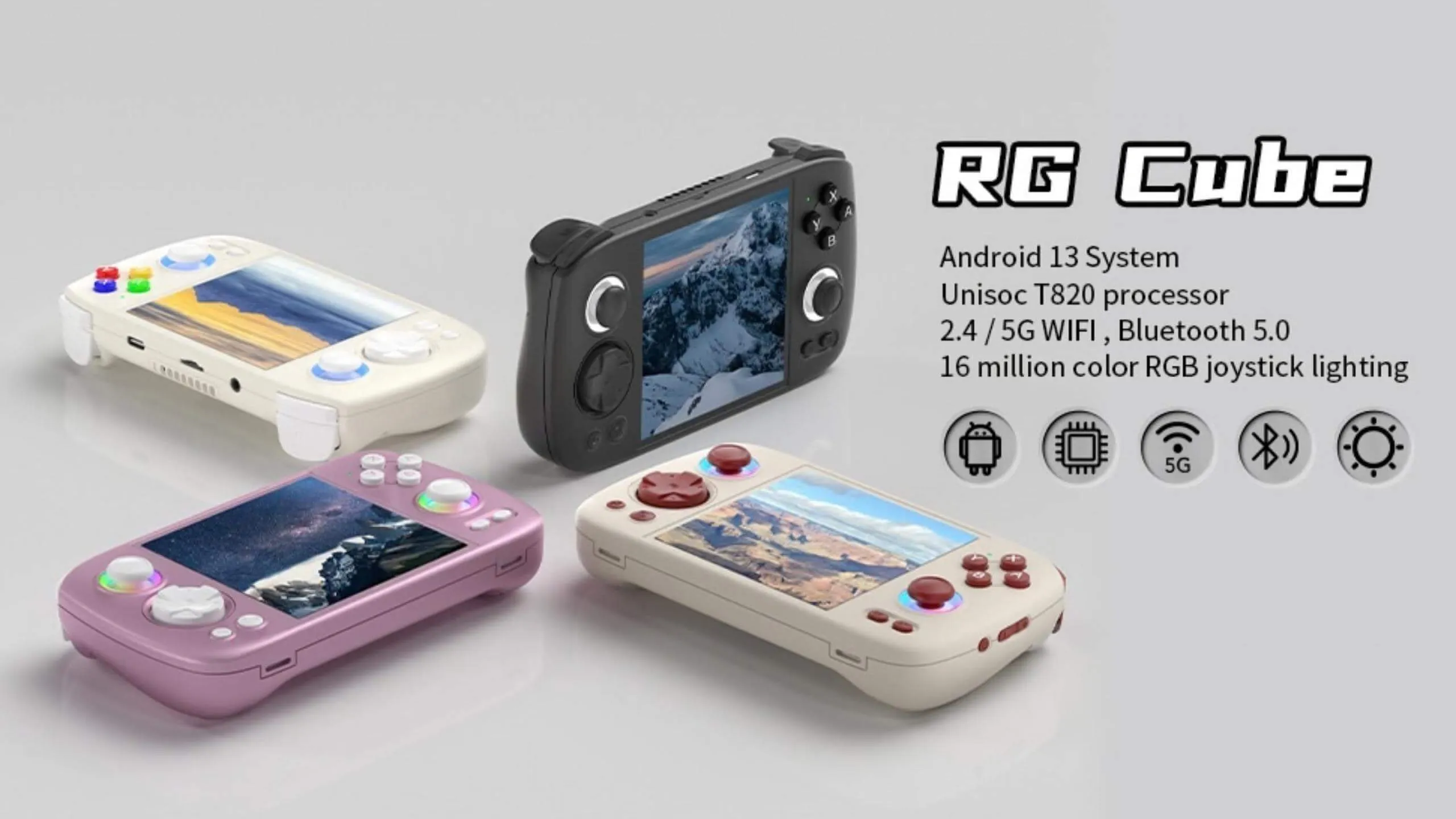
Welcome to the mid-tier segment. This is an Android device with a niche 1:1 square screen. It places a major emphasis on comfort, style, and unique RGB thumbsticks. It is a solid choice for those who value ergonomics and aesthetics.
Display Features and Issues
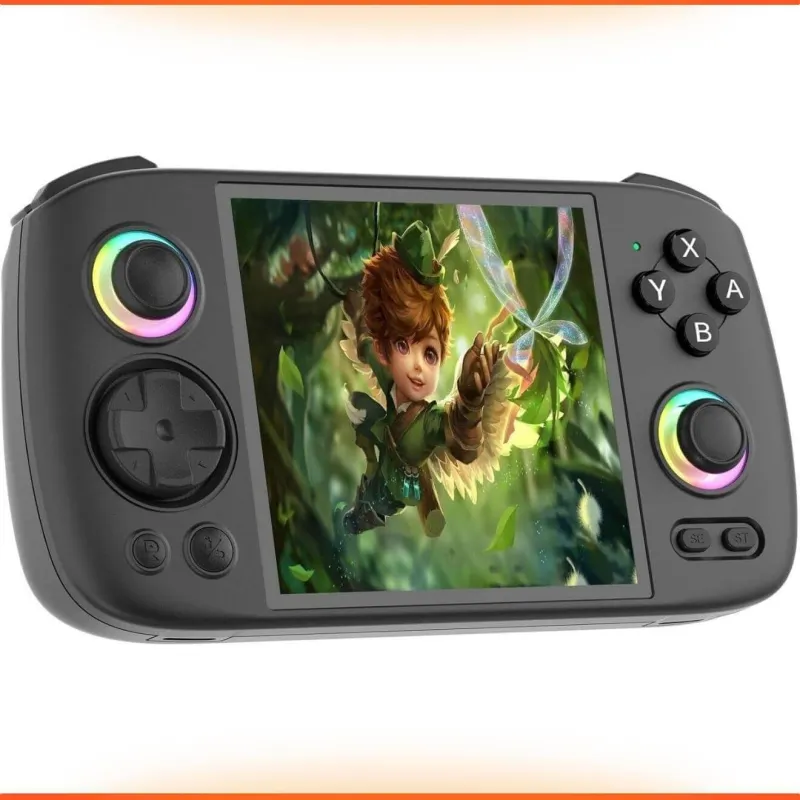
The RG Cube features a 4-inch 720p IPS screen with a 1:1 aspect ratio. It is highly vibrant and saturated, making it quite comfortable to use outdoors. However, there is a well-known light bleed issue. Some production batches show noticeable backlight bleed around the edges, which reviewers consider unacceptable for this price point. The body is fairly bulky to ensure comfort during long sessions, so it is not truly pocketable.
Comfort for Long Gaming Sessions
Most people seem to agree that the device is comfortable to hold. Small bumps on the back panel add a lot of convenience, and the weight is balanced nicely for extended play. The new stacked shoulder buttons feature smooth travel without a hard click on the triggers, and many call them some of the best in Anbernic's entire lineup. The face buttons are pleasant to press, but their glossy finish can get a bit slippery during long sessions. The RGB sticks provide a genuine wow factor and are frequently cited as the main reason people fall in love with the device.
Game Compatibility and Performance
The hardware's strong suits are 8-bit, 16-bit, 32-bit, and arcade games, along with systems that use a 4:3 format (like SNES, PlayStation 1, Saturn, and Dreamcast). It also works wonderfully for vertical shoot-em-ups, Pico-8 games, and even Nintendo DS, thanks to the screen layout. It can run a fair number of GameCube and PS2 titles, but unfortunately, not all of them run consistently. It sits in a weird spot where it feels overpowered for older systems but not quite a full-fledged PS2 machine.
RG Cube Retro Handheld
Android 13 System, Unisoc T820 Processor, 3.95 Inch IPS Touch Screen, 5200mAh Battery, 16 Million Color, RGB Joystick Lighting, Black
Price
Is It Worth the Investment?
People tend to view it as a strange but incredibly fun and ergonomic gadget that you constantly want to pick up. It is not cheap, and the potential screen issues are a bummer.
Anyway, this is a comfortable, stylized mid-tier option for fans of square screens and marathon gaming sessions. The RG Cube is no longer just an emulator. It acts as a stylish gaming accessory.
If you still need serious computing power for heavier 3D systems, the upcoming Retroid Pocket 5 is likely to raise the bar to the high-end level...
Retroid Pocket 5: Android Emulation Beast
Mid-Tier Android Power
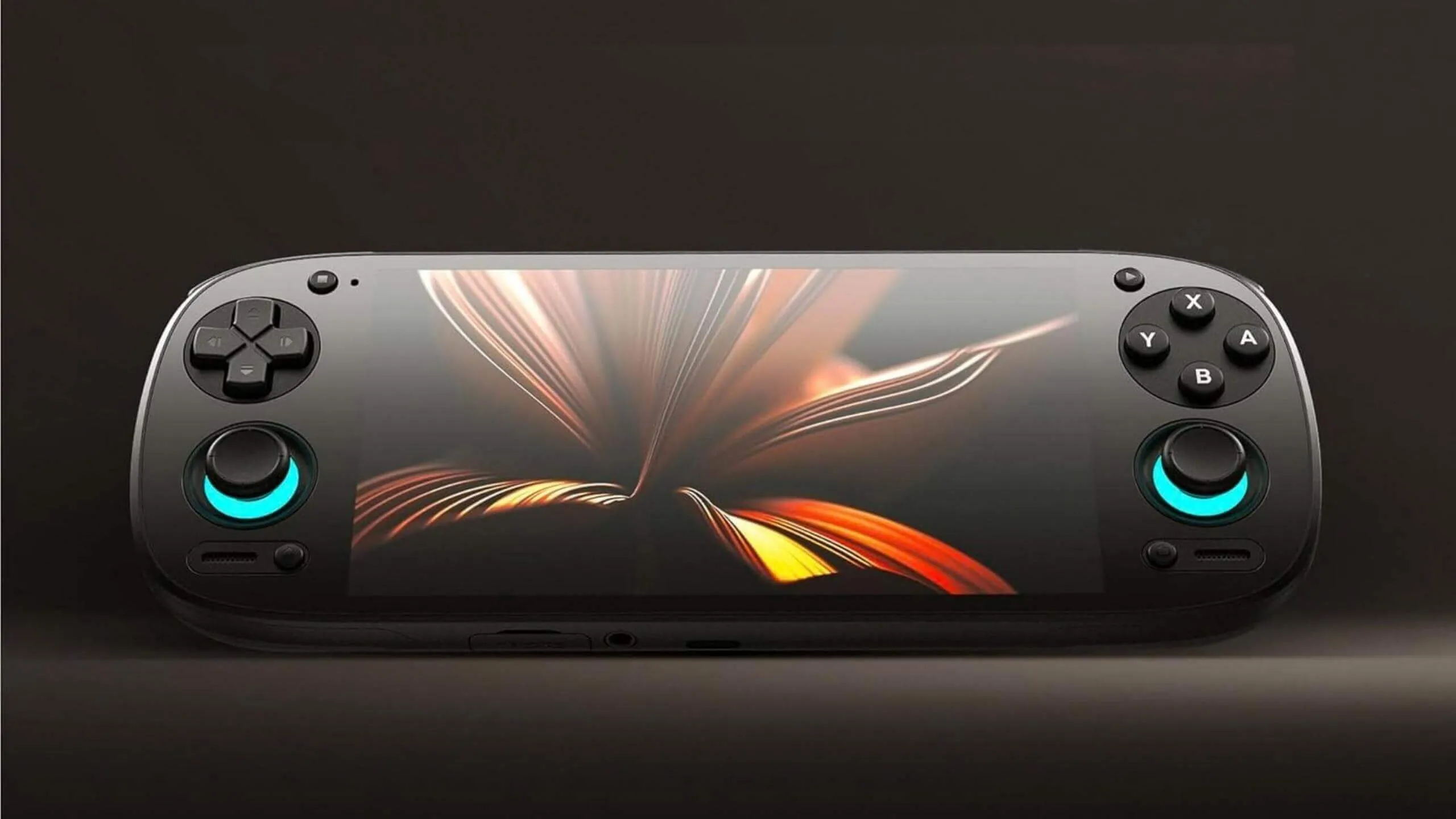
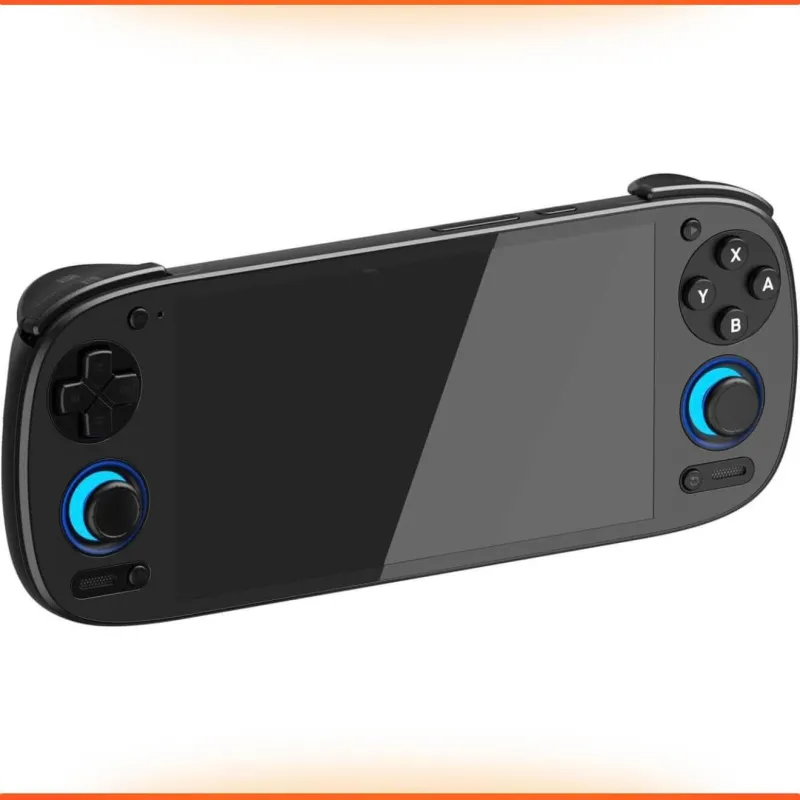
This one lands in the mid to almost upper-tier segment. It’s an Android handheld designed not just for old-school retro games but also for more demanding systems like the GameCube, Wii, PSP, and even some PS2 titles.
Display and Internal Specs
The Retroid Pocket 5 features Hall-effect sticks, which provide precision and also have RGB backlighting. Its triggers offer full analog travel and are considered some of the best in the retro segment, especially for racing games. Still, some users complain about the grip's comfort and the D-pad's placement, recommending 3D-printed grip attachments to improve comfort.
Emulation Capabilities & Software
The retro gaming community considers the Retroid Poclet 5 to be very powerful among "retro" portables. It confidently handles 8/16-bit games, PS1, N64, Dreamcast, and PSP. A significant portion of the GameCube and Wii library also runs well, but PS2 performance isn't always stable. In 2026, there's a discussion that if its price gets close to newer models (like the Retroid Pocket 6 or other flagships), its value decreases. However, if you can find it at a reduced price, it's still a worthwhile purchase.
The device runs on Android 13 with a relatively user-friendly launcher. There's a bit of a learning curve when it comes to setting up the emulators, but overall, it’s a typical Android handheld experience.
Retroid Pocket 5
Retro Handheld Game Console, 8+128G, 5.5-inch Touchscreen 1080p, Portable Handheld with Adreno 650 GPU & WiFi 6/BT5.1, Snapdragon 865 Processor, Android 13, Black
Price
Final Thoughts on Value
It's the most powerful retro handheld for its price, but its shape and grip aren't for everyone. This nearly-flagship device is for those who want serious 3D emulation but aren't ready to jump to a Steam Deck or Switch.
AYANEO Pocket ACE: True High-End Flagship
High-End Retro Gaming
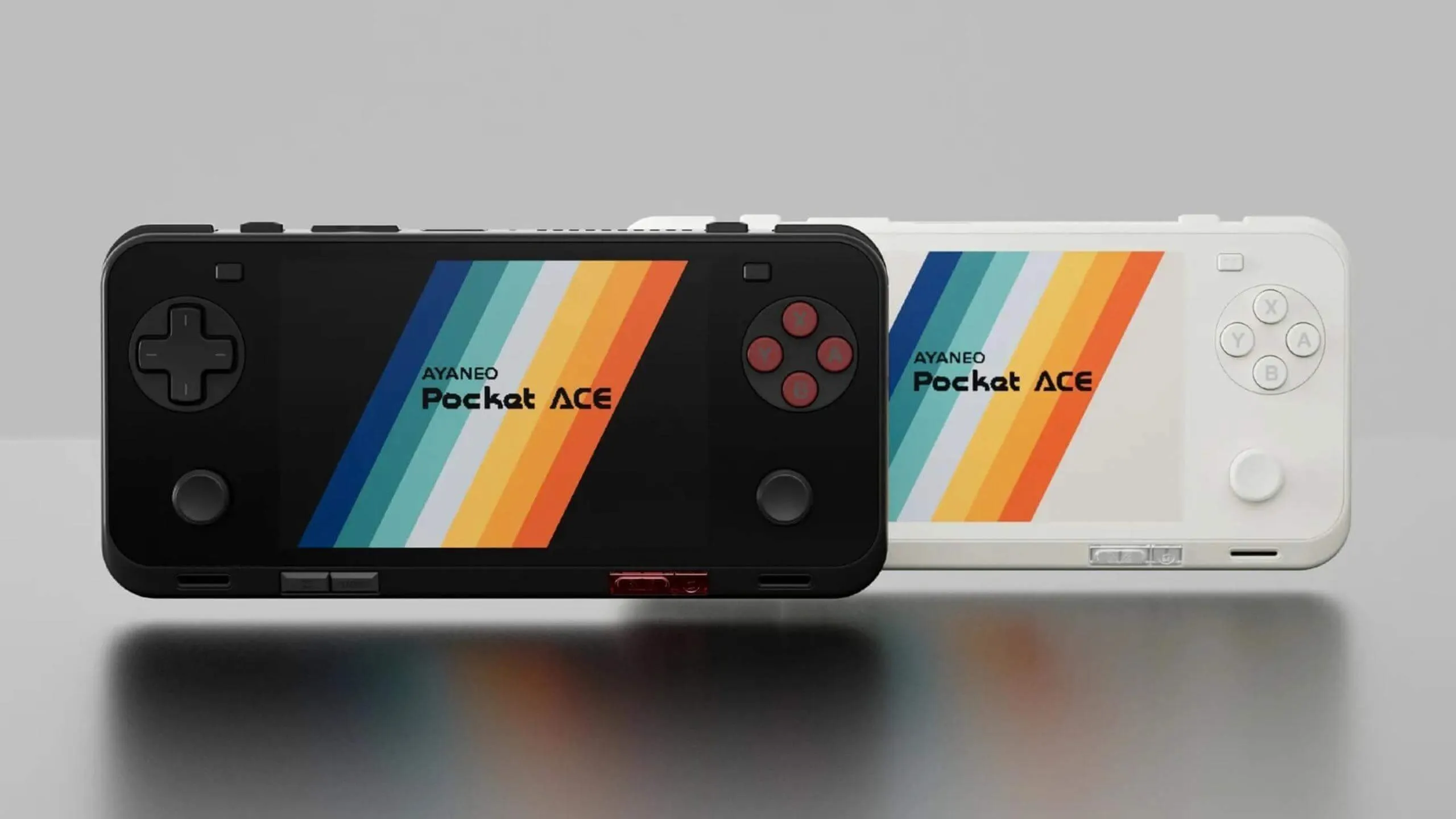
Finally, a premium high-end Android handheld that I couldn't ignore. It's geared towards full emulation of PlayStation 2, Switch, and Wii U, as well as native Android games and cloud gaming.
Hardware and Display Excellence
It's powered by a Snapdragon G3x Gen 2 and has a 4.5-inch IPS screen with a 1620x1080 resolution (a 3:2 aspect ratio, which is ideal for GBA/PSP). The screen is bright and sharp but is limited to 60Hz, which might be a downside for some. A 6000 mAh battery with 40W PD support provides 4-6 hours of intensive emulation, depending on the mode.
Ergonomics for Advanced Users
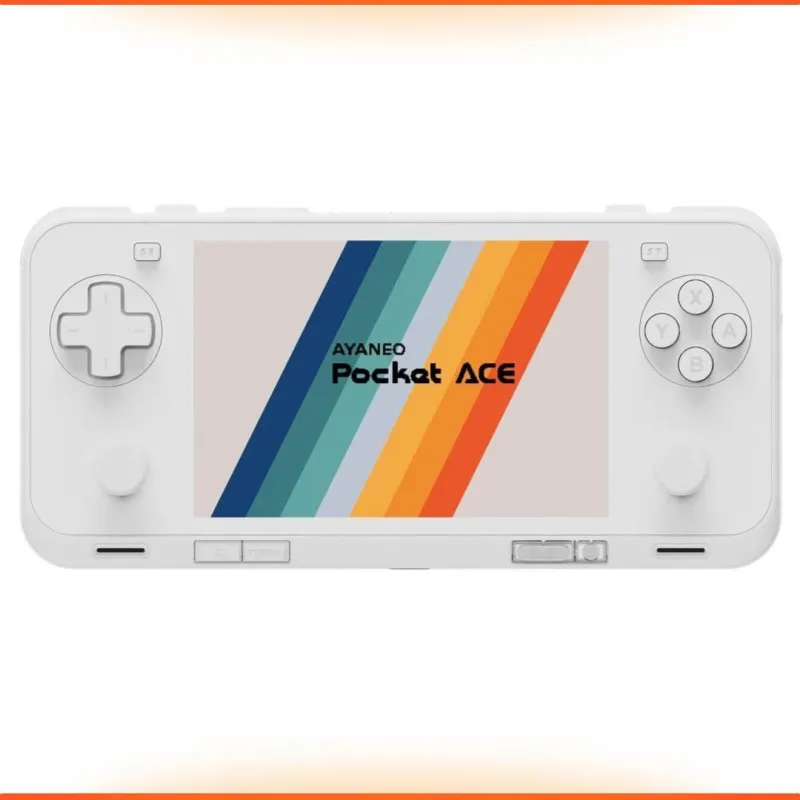
It has a compact size (176x82.5x18.4 mm, 310 g) with a comfortable grip for medium and large hands. The rear grips add comfort, and users describe the device as feeling "organic in the hands" and “pocket-friendly.”
It features dual Hall-effect sticks (with high/low profile options), a sensitive D-pad (a bit touchy, but accurate with practice), quiet membrane face buttons with a quick bounce, and smooth, untextured shoulder triggers. The sound is average, but it does include a fingerprint sensor in the power button, Wi-Fi, and BT 5.3.
Unmatched Emulation Power
The device fully supports PS2 (running AetherSX2 at 2x resolution without issues), Wii U/Switch (using Yuzu/Ryujinx with upscaling), and 3DS (Citra/Vita3K at high resolution). It handles GC/Wii/PSP/Vita all at high settings in gaming mode. It's also excellent for Android games and cloud gaming (GeForce Now, Xbox Cloud). Benchmarks show it's one of the most powerful handhelds available.
It runs Android 13 with AYASpace (for performance profiles and screen mapping) and Beacon as an alternative. The software is functional, but not the most up-to-date.
AYANEO Pocket ACE
Retro Handheld Game Console, 8+128G, 5.5-inch Touchscreen 1080p, Portable Handheld with Adreno 650 GPU & WiFi 6/BT5.1, Snapdragon 865 Processor, Android 13, Black
Price
A True Pro’s Choice?
Here are a few typical user opinions: it’s the perfect all-in-one retro machine, powerful, comfortable, and versatile. It combines a GBA vibe with PS2 power, but the 60Hz IPS screen and high price are trade-offs. Some even say it's better to just get a Nintendo Switch 2.
It’s the absolute flagship for advanced users. If you want "everything at once" in a pocket-sized format (PS2/Switch emulation plus mobile gaming) without compromising on power, this is your choice. The AYANEO Pocket ACE concludes our review as the peak of high-end emulation, a compact monster for those willing to pay a premium.
Instead of a Conclusion
The retro console market isn't as complicated as it might seem. I created this guide to help you avoid getting lost in it, like wandering through an old city with narrow streets. The most important thing is to correctly identify your needs before you buy, but not search for what is the best retro handheld is.
You can find retro handheld consoles for under $50, and the expensive "headliners" are often overrated; a high price doesn't always mean a better gaming experience. First, figure out your "nostalgia limit": which games and systems are important to you? Based on that, choose a form factor and a budget.
Powerful hardware doesn't guarantee a comfortable gaming experience. Factory firmware often has delays and bugs, and the true potential of a console is unlocked by community-developed software, like Onion OS for Linux devices or quality frontends for Android. So, always check for the availability of custom firmware before purchasing.
It's also important to understand the difference between the two types of devices. Linux consoles work on a plug and play game system principle with minimal setup. Android consoles, on the other hand, are like flexible kits, but each emulator has to be configured manually. If you just want to play, get a Linux device. If you're willing to spend time for more flexibility, go with Android.
Main Image Credits: photography courtesy of Anbernic, Miyoo, Retroid, and AYANEO Official Stores.

Detail-oriented editor aiming for excellence. I keep up with web dev, gaming, and tech trends in my free time and write about

World of Goo 2: Iconic Puzzle Game Game Sequel Coming on August
The iconic World of Goo comes back with a sequel, preserving its original charm while incorporating technological advances to enhance the gaming experience.

New Trailer Unveiled for S.T.A.L.K.E.R. 2. Game Release Set on Q1 2024
Witness the action-packed Stalker 2: Heart of Chernobyl trailer and discover detailed insights into gameplay, weapons, and more. Anticipated launch in Q1 2024.

[REDACTED]: Survival in Ice Jupiter’s Moon Prison
In [REDACTED], fight through Black Iron Prison's chaos to reach the last escape pod. Experience innovative roguelike mechanics and intense survival challenges as a prison security guard this fall.